 |
| | | | | | | | | | | | | | |
Glossary - Virus
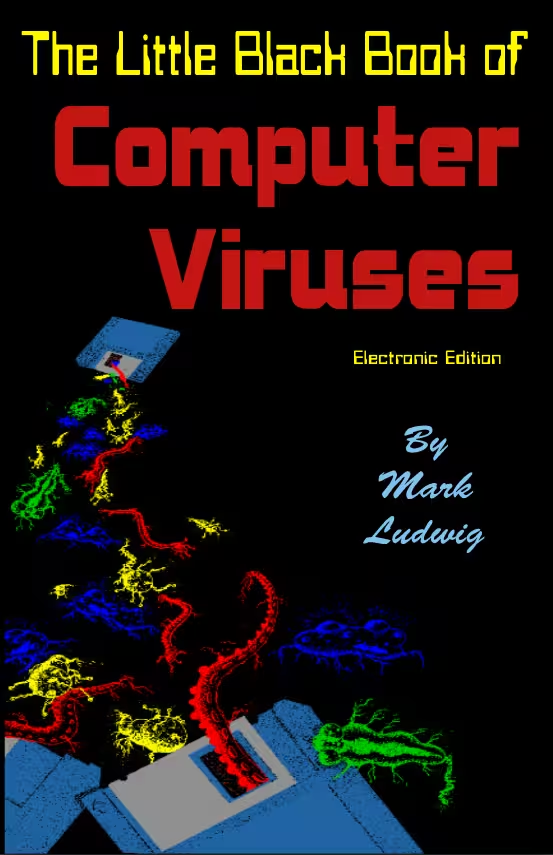
A computer virus is a type of malicious software that embeds itself into legitimate files, firmwares, or programs to spread from one computer to another. Like a biological virus, it requires an exploitable host to run its code, which is usually triggered by user action such as opening an infected email attachment or downloading-and-executing a file, to activate and replicate itself. Once active, a virus can corrupt or delete data, steal sensitive information, disrupt system performance, hack into other connected systems (including remote systems over the internet), and cause other damage.
Common types of Proliferation
| |||||
- Infection
- A virus embeds its code into other executable files, system firmware, or active-running processes.
- Activation
- Usually immediate, although some viruses only implant themsevles and remain dormant until a user or the system triggers it.
- Replication
- After activation, viruses usually embed copies of themselves into other files, into modem streams or internet packets, etc., which facilitates spreading further into other programs which may be on the local computer or on remote hosts (e.g., over the internet).
- Payload
- A virus's main purpose can do whatever it was programmed to do, which usually involves damaging data or even hardware (e.g., by causing it to overheat while disabling chassis fans).
Methods of Proliferation
- eMail attachments
- A malicious file, when attached to an eMail message, can sometimes be crafted in a manner that exploits bugs in eMail software, or the user opens the attachment which is a document that contains the virus embedded as a macro, or is an executable disguised as a document, etc.
- File downloads
- Downloading infected files from the internet or through other file-sharing methods that activate on the local machine when executed.
- External devices
- Inserting infected CD or DVD discs, USB memory sticks, external hard drives, or other external media that runs automatically, or executables on them are activated manually by the user.
- Network connections
- Operating System or Daemons that have security weaknesses are exploited through a network or internet connection.
Protection
Protecting your computer systems from viruses is fairly easy, but typically comes with a cost. Anti-virus, EDR, and other active-running solutions require constant upkeep by the vendors who produce them, and have been useful at preventing nearly all viruses, trojan horses, worms, rootkits, and other malicious software from becoming active. One of the most important things to remember about such security software is that it can only prevent virus infections for viruses that it already knows about or that it can detect certain operational patterns-and-parameters or similar characteristics -- zero-day viruses will often still not be stopped, at least initially, and so other measures are also important such as for users to follow good practices (such as not running new software without first consulting with a computer support professional who has a solid understanding of computer security).
See also, our list of security software resources, which includes anti-virus software.
[Home] [Profile] [Glossary] [Library] [Resources] [Tools] [FAQ] [Site map] [Contact us]
Copyright © 2004-2025 Inter-Corporate Computer & Network Services, Inc. All rights reserved.
All trademarks are the property of their respective owners.